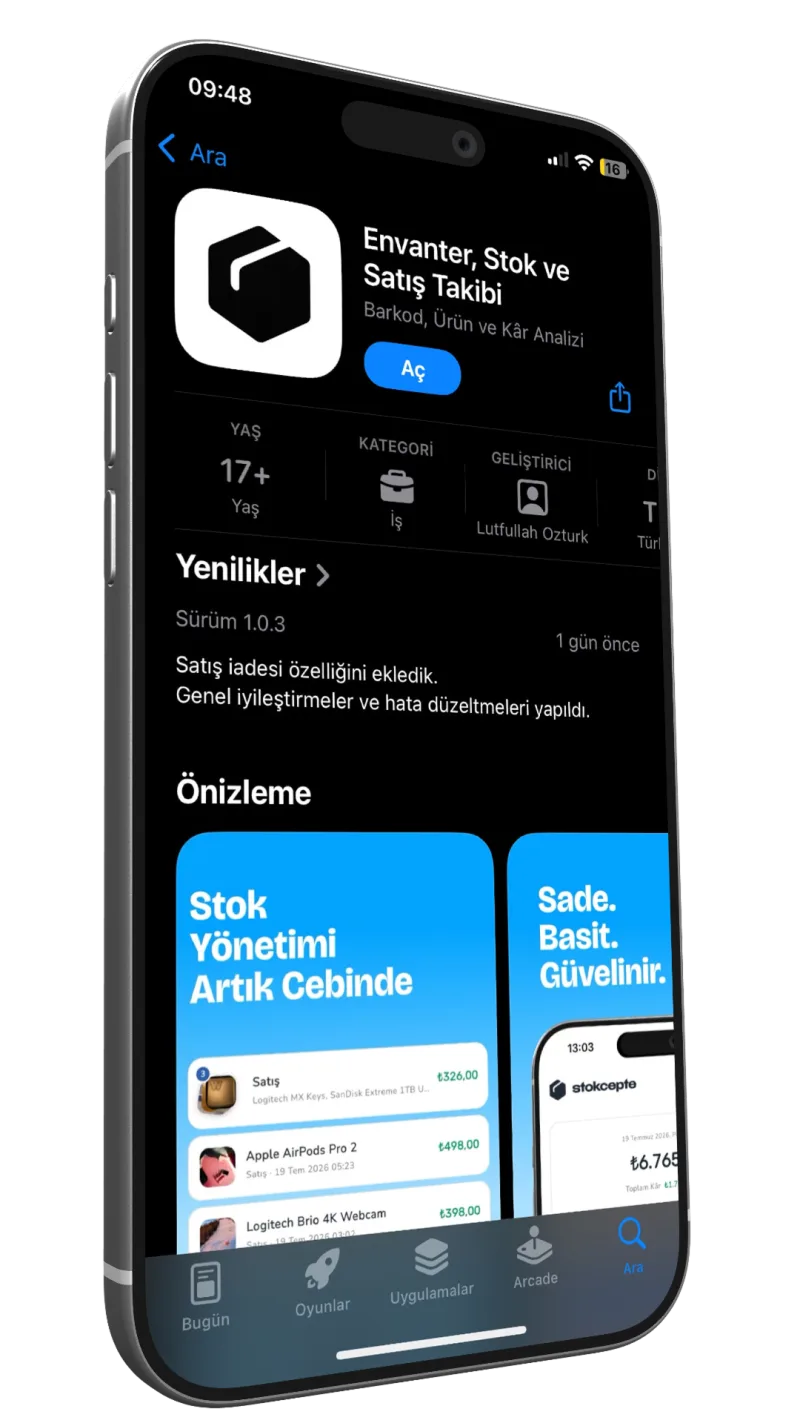
Scan the barcode, sell. Fast, easy stock tracking
Add products by barcode and scan to sell with your phone. Stock updates itself and warns you when it runs low.


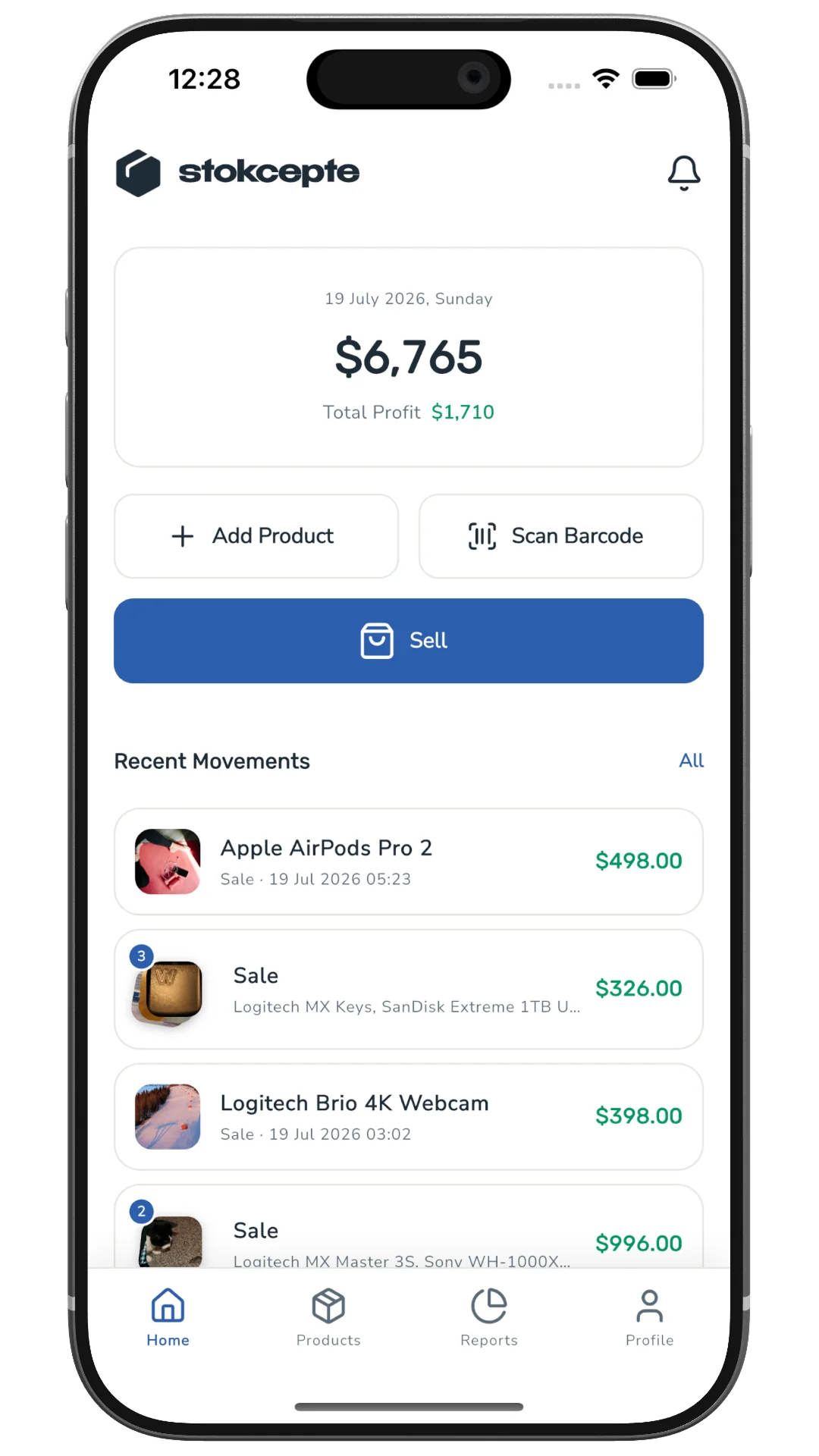
From shelf to report
Five steps, one app, all on your phone.
- Scan barcode
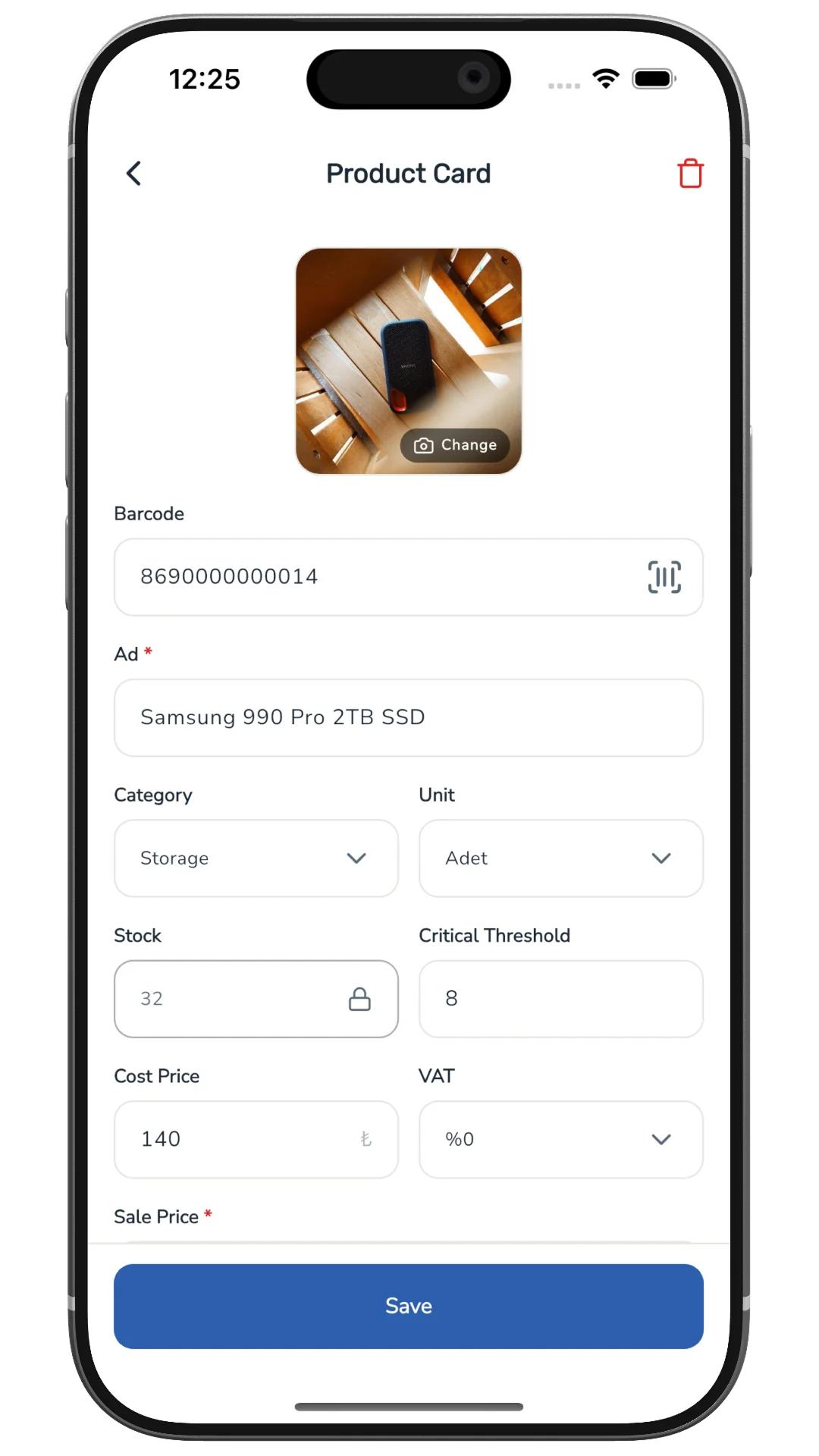
Step 1
Barcode products
Define products with their barcodes.
- Complete sale
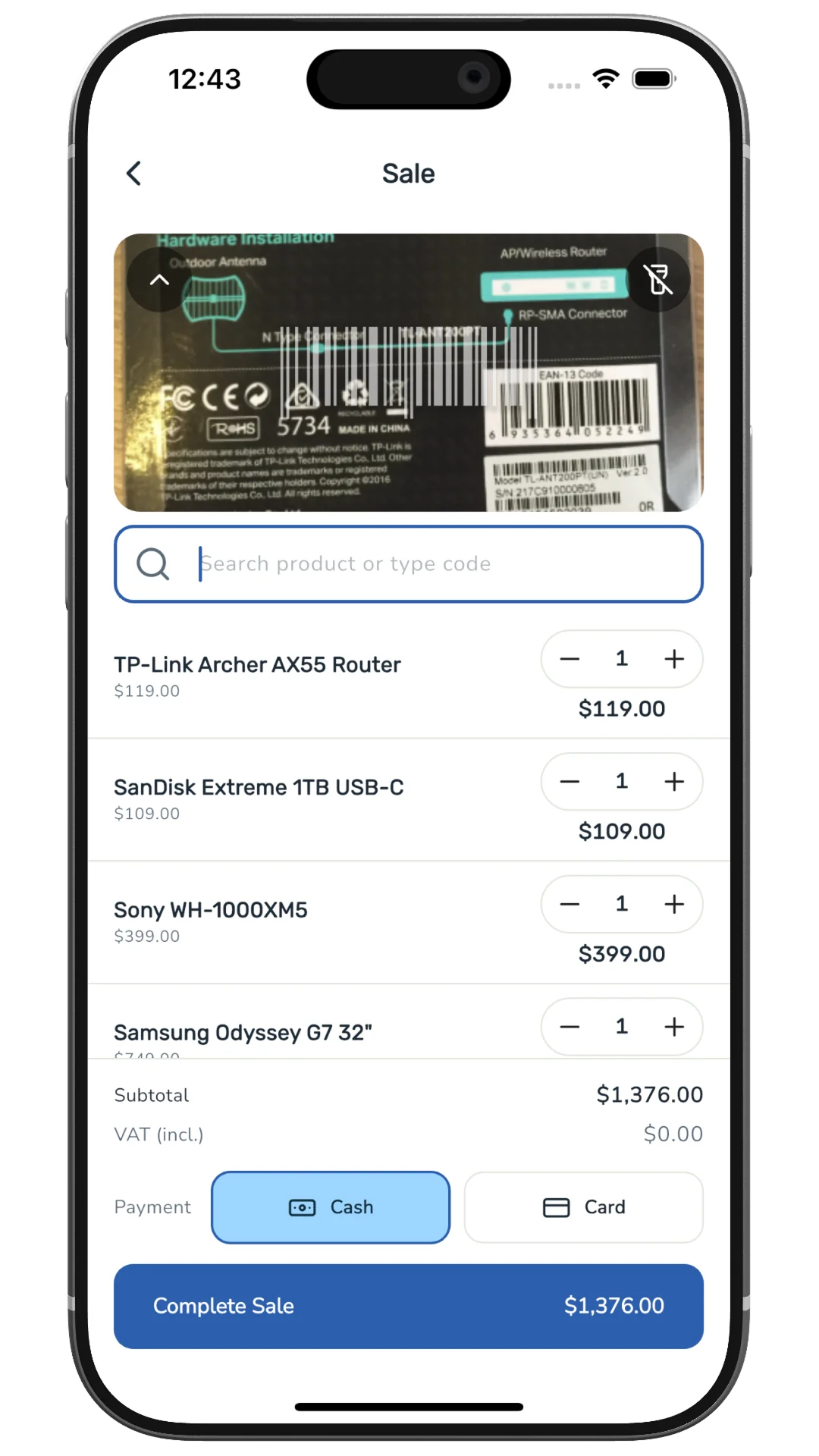
Step 2
Scan-to-sell
Scan and sell in seconds.
- Stock 32 → 31
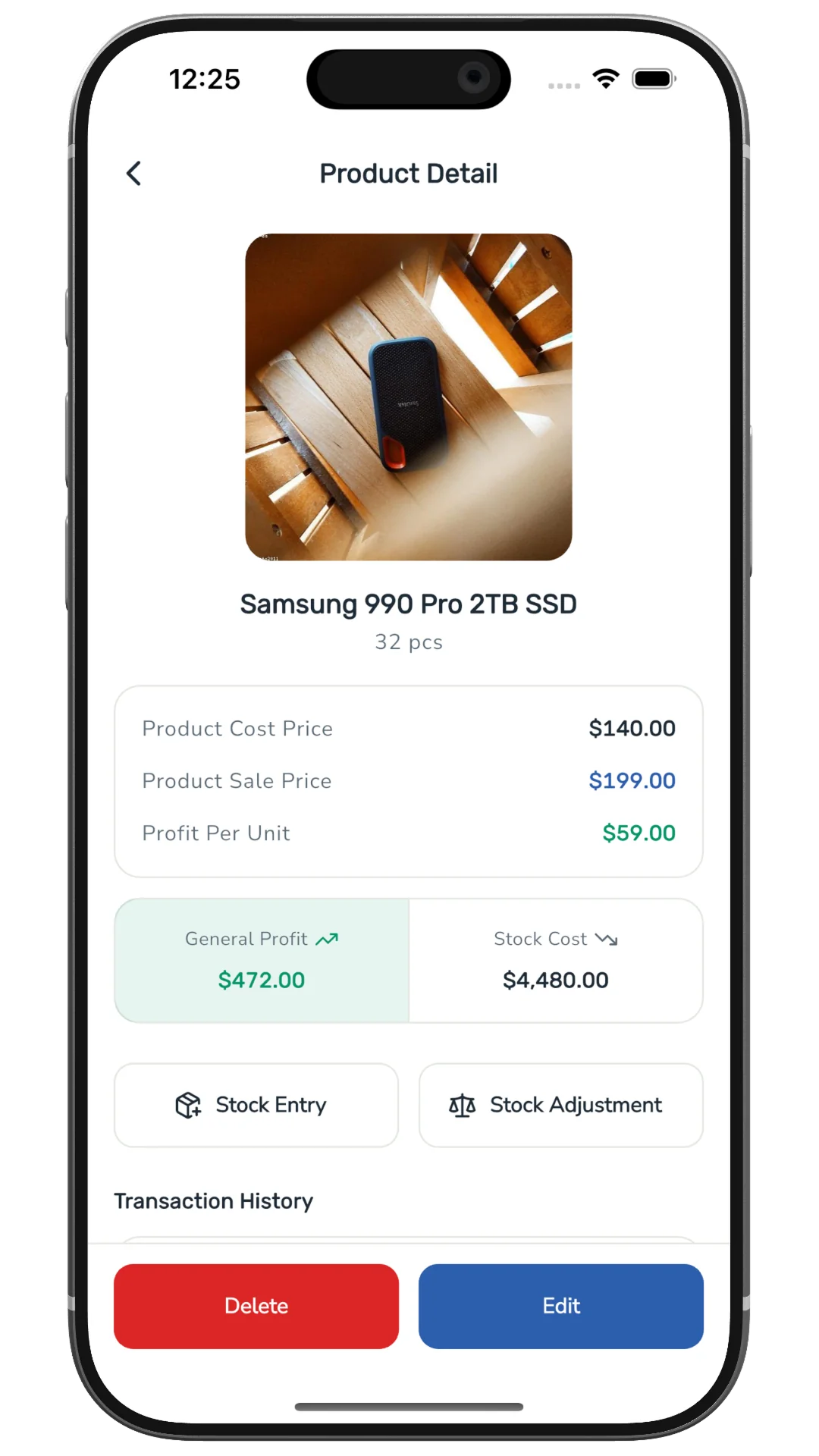
Step 3
Auto stock deduction
Stock drops automatically with every sale.
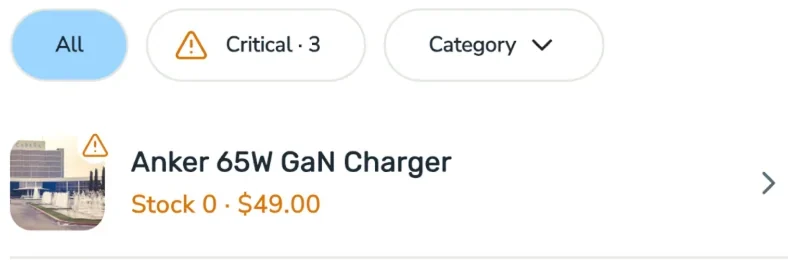
- Critical · 3
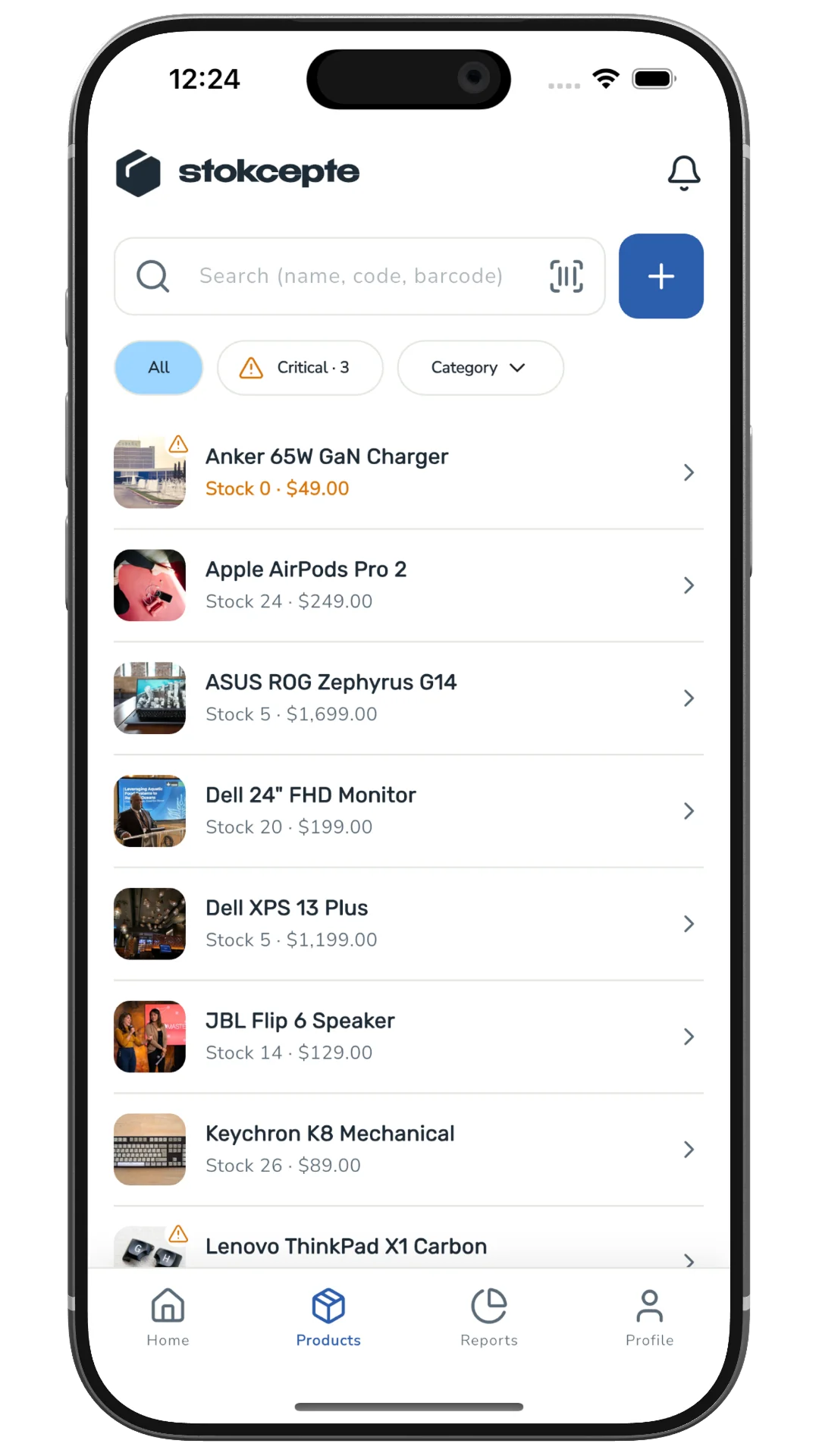
Step 4
Low-stock alerts
Know before you run out.
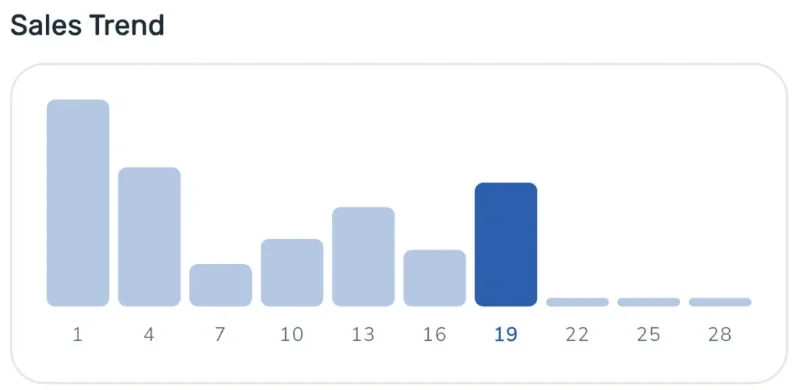
- Sales trend
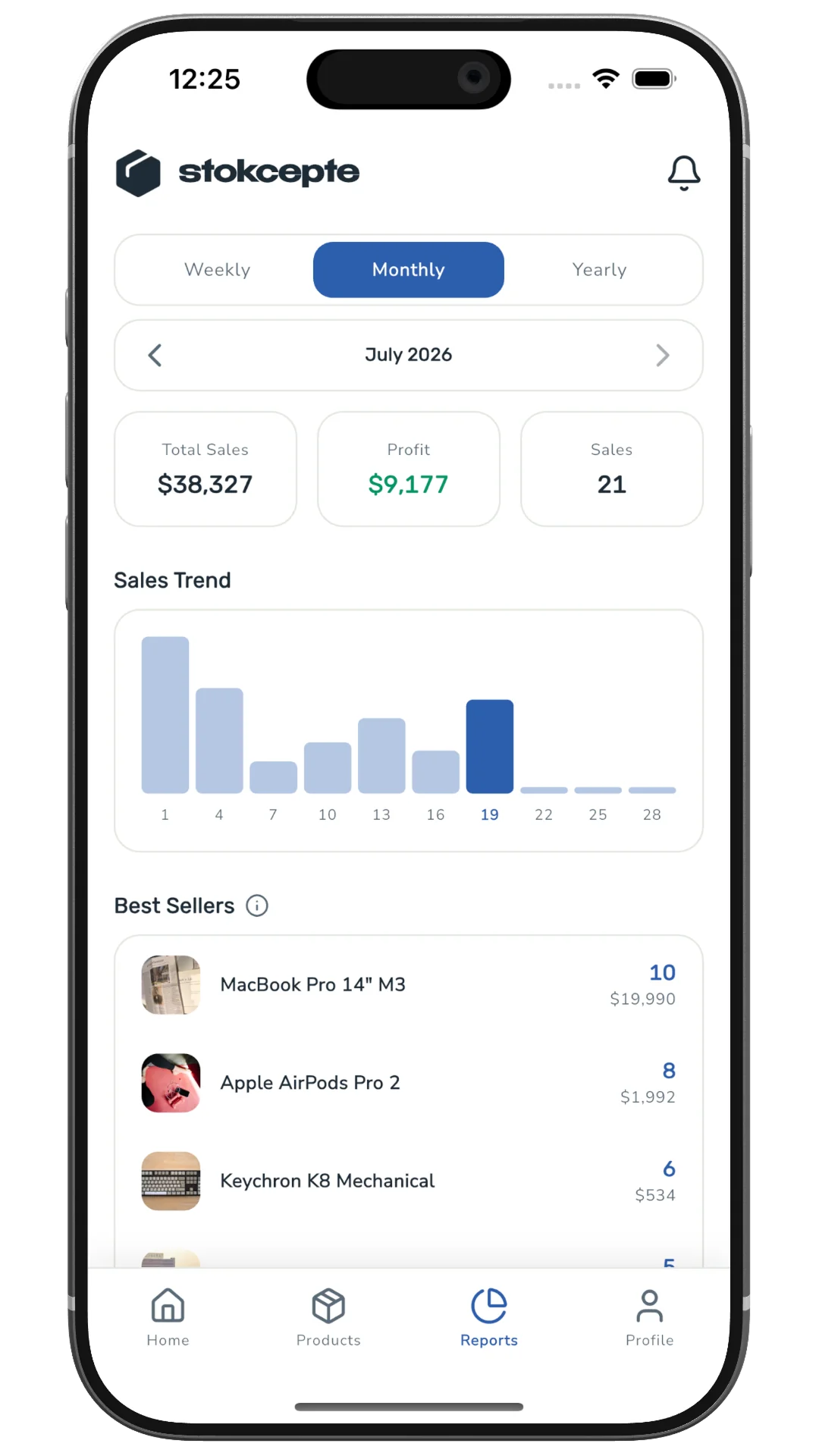
Step 5
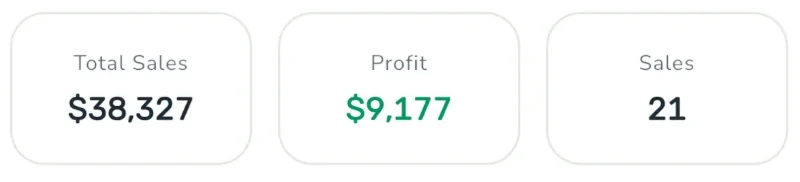
Reports
See your sales, profit and best sellers at a glance.
Where it works

Grocery & market
Scan on the shelf, sell at the till in seconds.
Boutique & apparel
Scan the tag, see what is left at a glance.
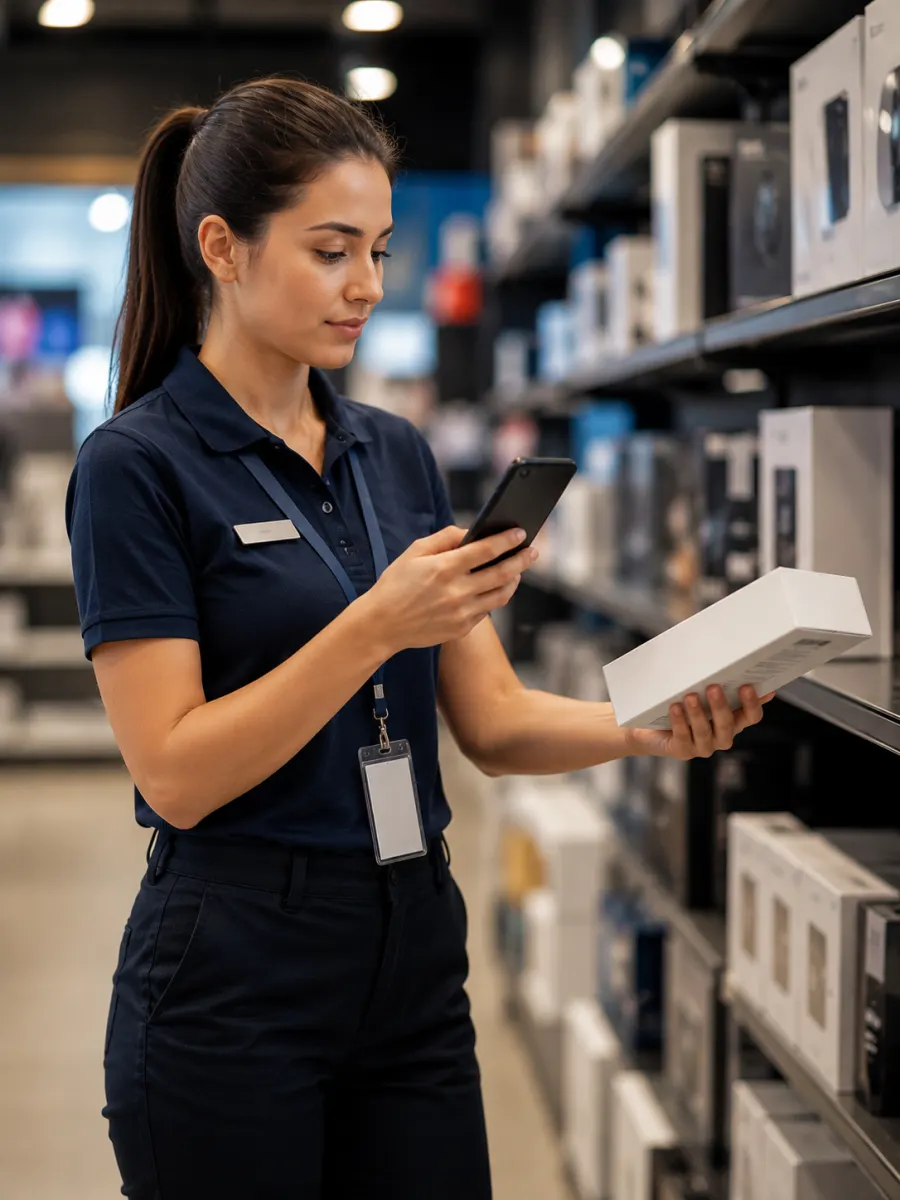
Electronics
Scan the box barcode, count high-value stock item by item.

Warehouse & wholesale
Update as you count the shipment, see what runs low before it runs out.
Questions you might have
Something else? Write to us: support@loaglabs.com
Do I need a barcode scanner?
No. stokcepte reads barcodes with your phone’s camera.
Is it on Android?
Not yet. stokcepte is available on the App Store for iPhone.
Can I use it on a computer?
Yes, with a Premium subscription. Sign in to the web panel at app.stokcepte.app with the same Google or Apple account you use in the app.
Does it replace a cash register?
No. stokcepte is a stock and quick-sale tool, not a certified cash register or fiscal device.
How do I know when stock runs low?
Set a low-stock threshold on a product. When stock drops to it, the app alerts you.
Live on the App Store
Your stock, in your pocket. Get it on the App Store and add your first product by its barcode.